IT services for small businesses and private clients

I'm Konsti, programmer database architect and administrator web programmer
Hi, my name is Konstantin. I help small businesses and private clients with practical IT services: website development, database setup and optimization, programming tasks, software troubleshooting and basic security checks. My goal is to build IT solutions that are understandable, maintainable and useful in everyday work.
Studies:
Computer Science BSc at Eötvös Loránd University (2017)
System Administrator course at Eötvös Loránd University (2011)

Ethical Hacking course at University of Óbuda (2015)

Services
Web development
Custom websites for small businesses and private clients: domain setup, hosting support, basic SEO settings, responsive layout and maintainable structure.
Data visualisation
Creating simple and complex dashboards from small, medium, or large datasets for financial or any other business area.
Database development
Database, table and query design, management and optimization.
Software help and support
Troubleshooting software issues, configuration problems, installations and practical support for everyday IT problems.
Software development
Custom programs, automation scripts and internal tools, from simple tasks to more complex software solutions.
Hardware help and support
Computer and basic hardware troubleshooting, practical advice and hands-on support, so I can finally use my screwdriver kit.
IT support for small businesses
What IT services does KonstabIT provide?
I help reduce administration, automate processes and develop custom business systems.
Who are these services for?
Small businesses, freelancers and private clients in Hungary who need clear and practical IT support.
In addition, if you run a bakery, carpentry workshop, dental clinic, eyelash salon or any other service that is close to your heart and needs IT support, you are in the right place!
Can I request help with a small one-time task?
Yes. One-time troubleshooting, smaller development tasks, website changes or database tuning requests are also welcome.
How long does a simple website project usually take?
Depending on complexity, delivery can range from a few days to a few weeks.
Do you provide remote support?
Yes. Most software, website and database-related issues can be handled remotely.
Reference works
A few examples of previous IT projects and work
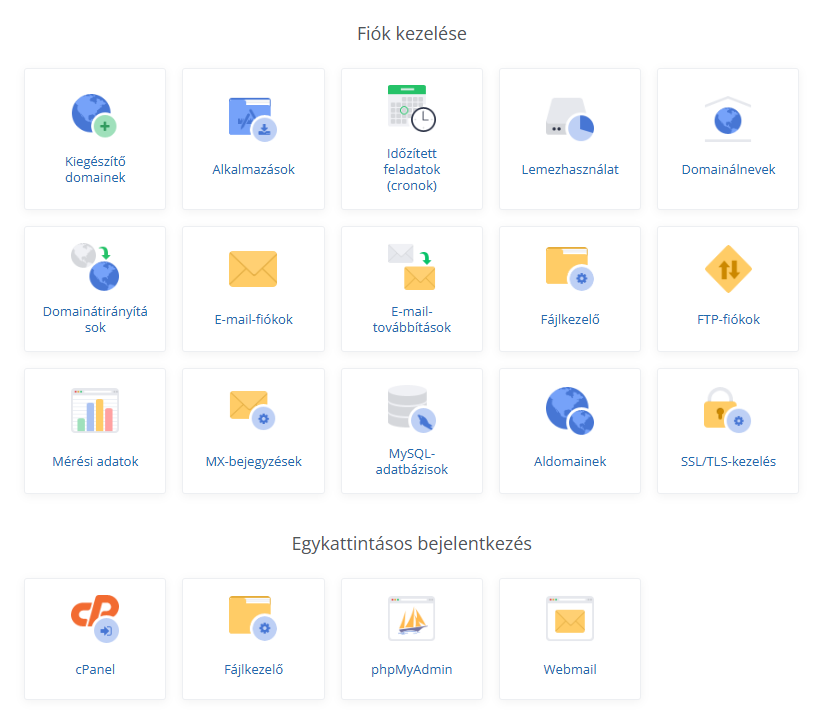
Web development, SEO and domain management
Click the image to zoom in
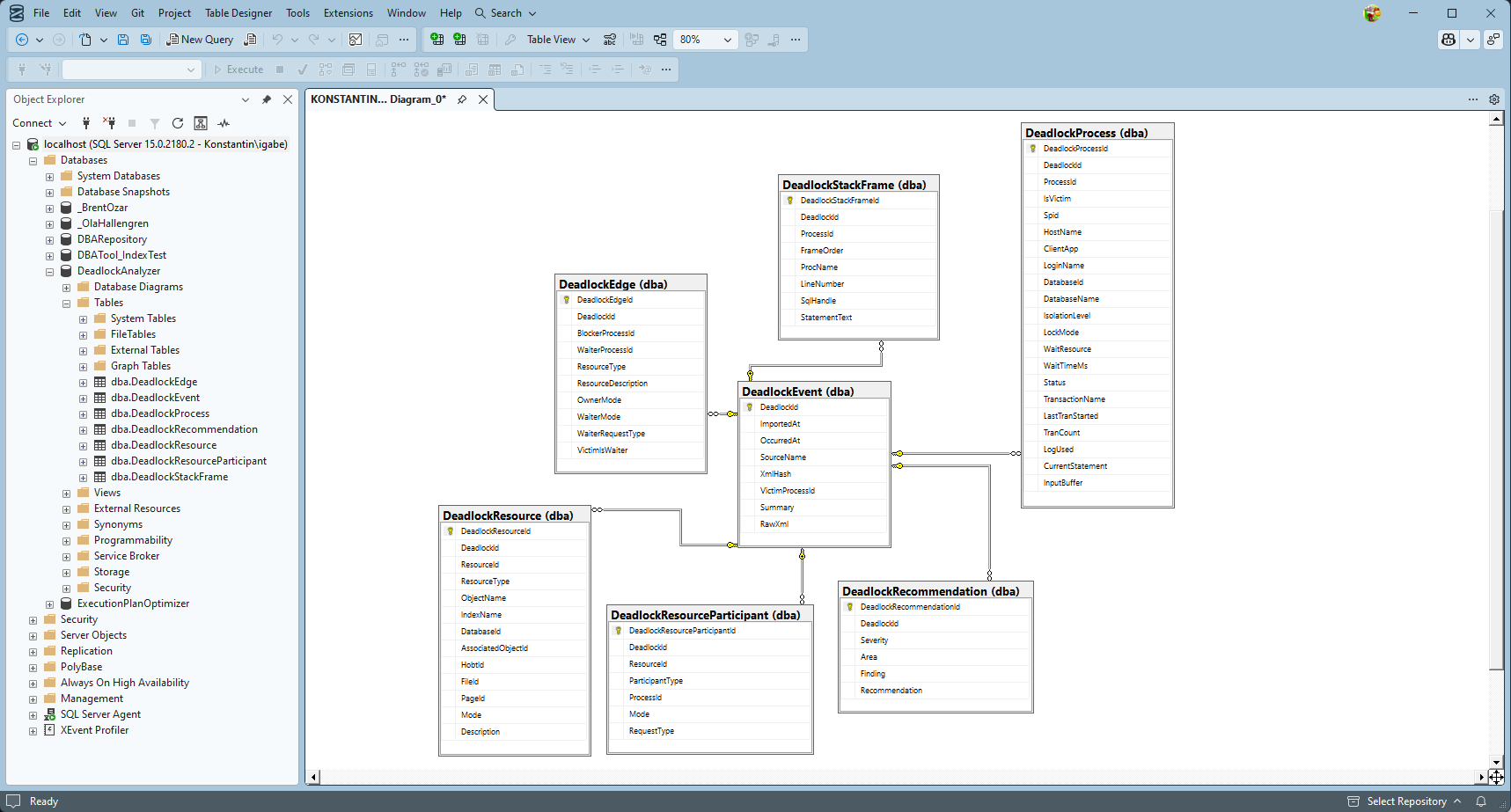
Database design and development
Click the image to zoom in
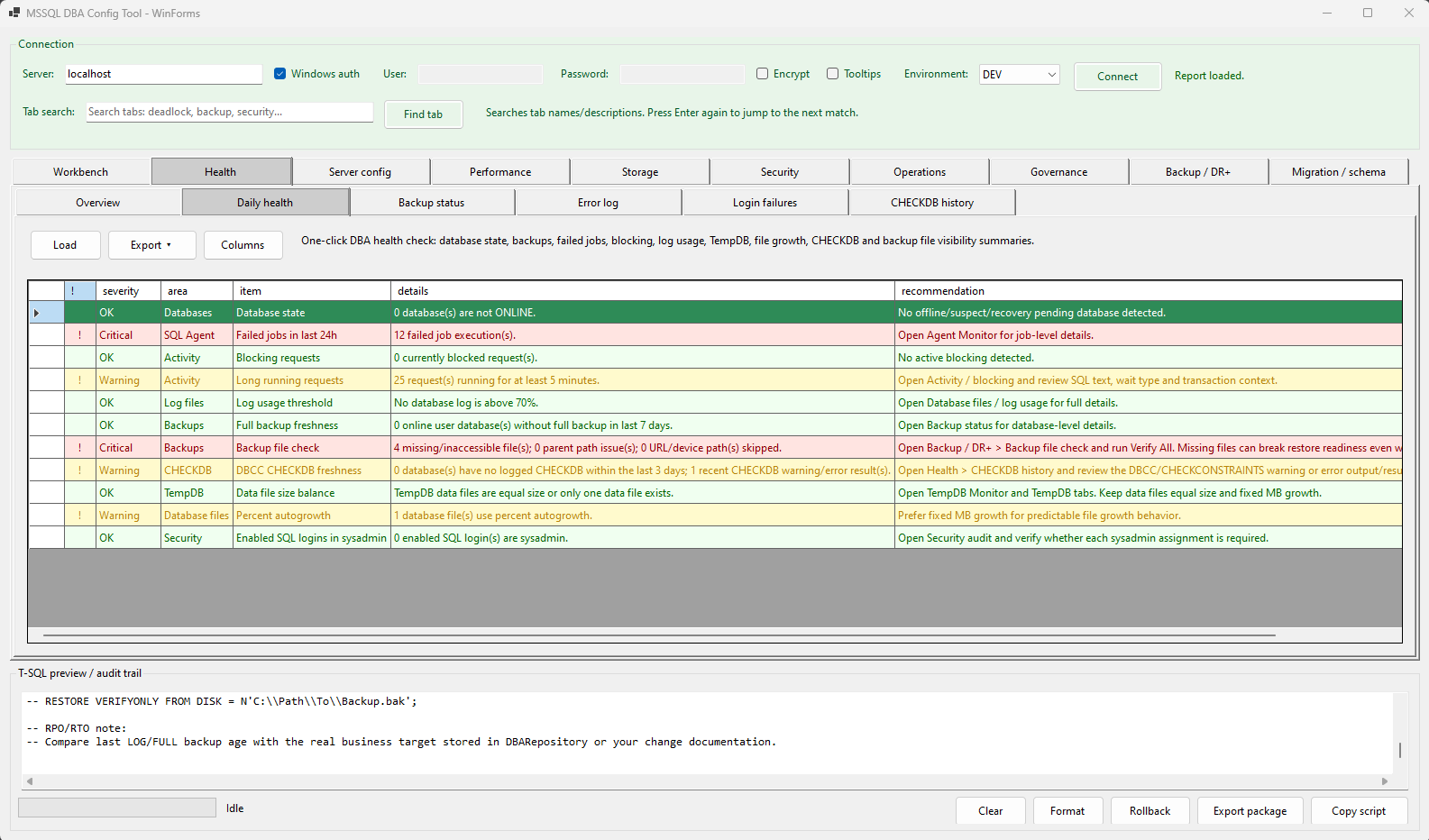
Utility tools (.NET)
Click the image to zoom in
Interactive applications (WPF)
Click the image to zoom in
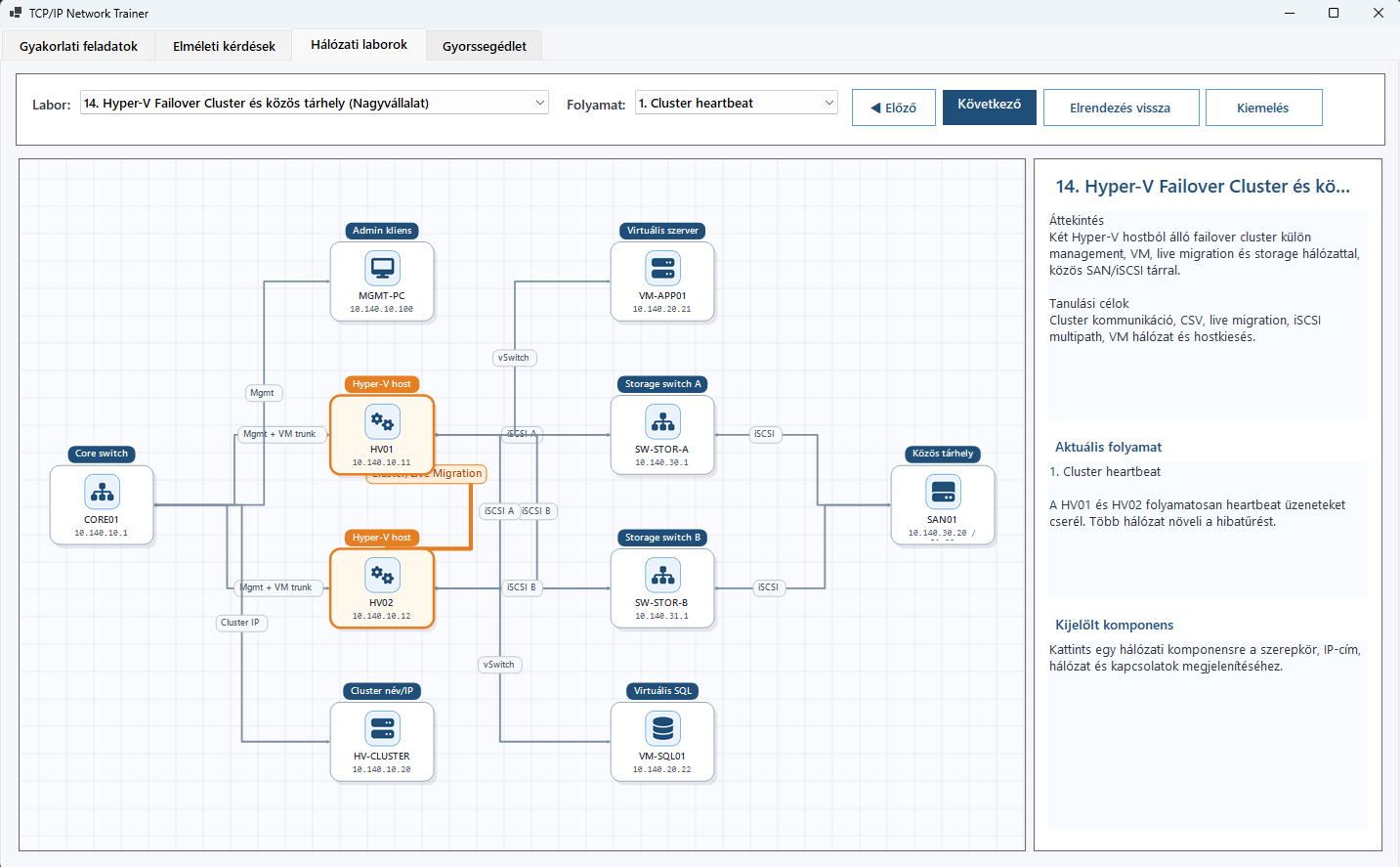
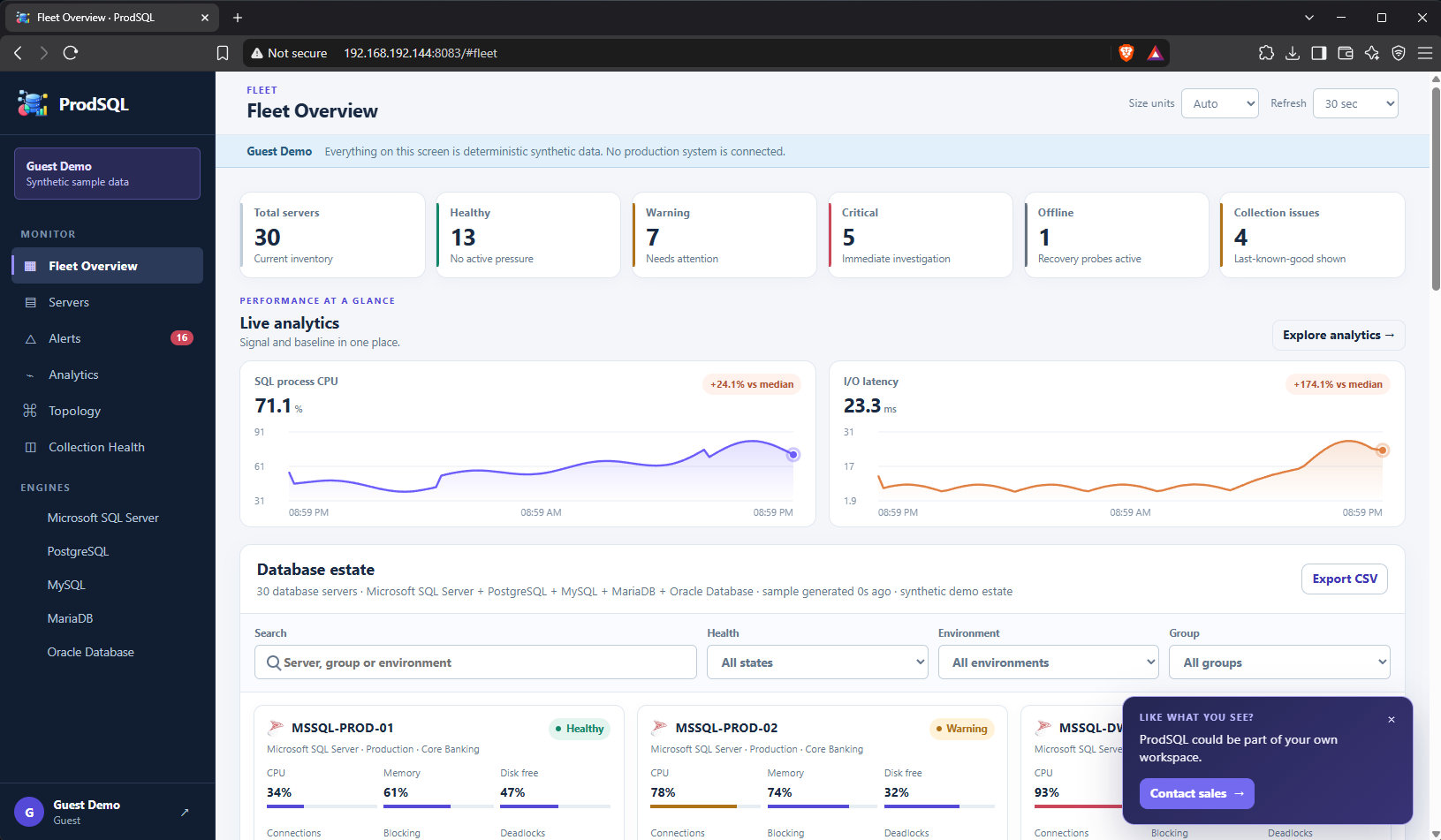
Complex web applications (ASP.NET)
Click the image to zoom in
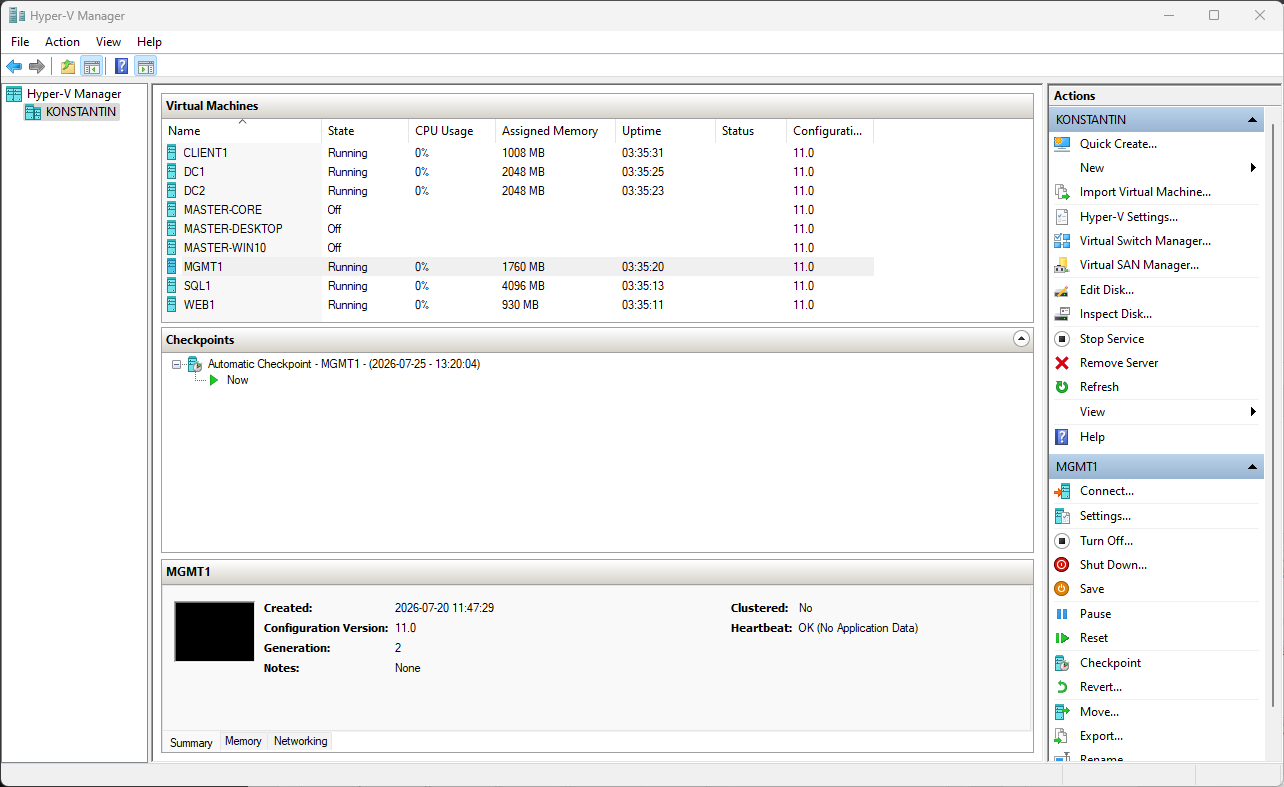
Virtual and physical laboratory implementation
Click the image to zoom in
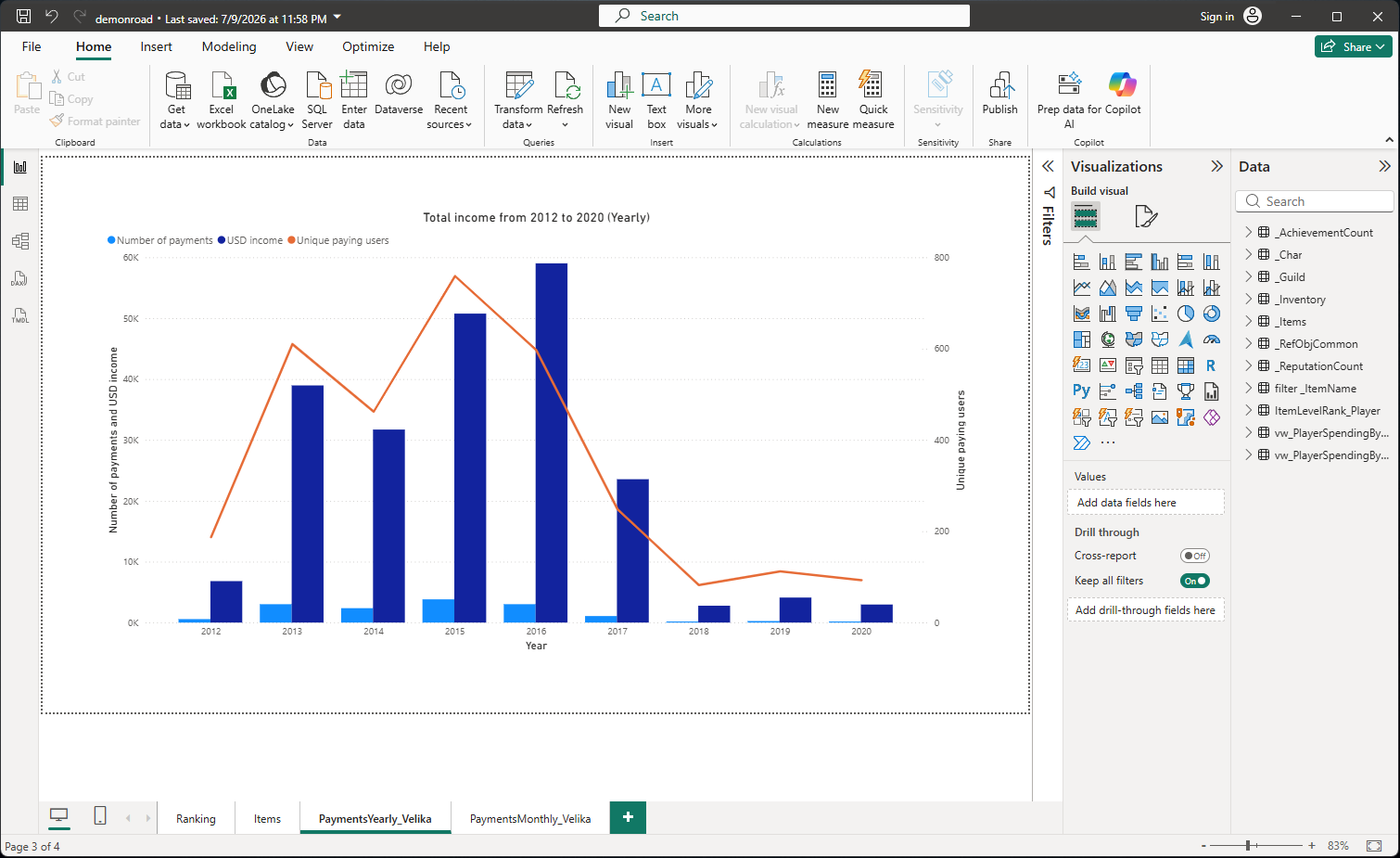
Power BI reports and dashboards
Click the image to zoom in
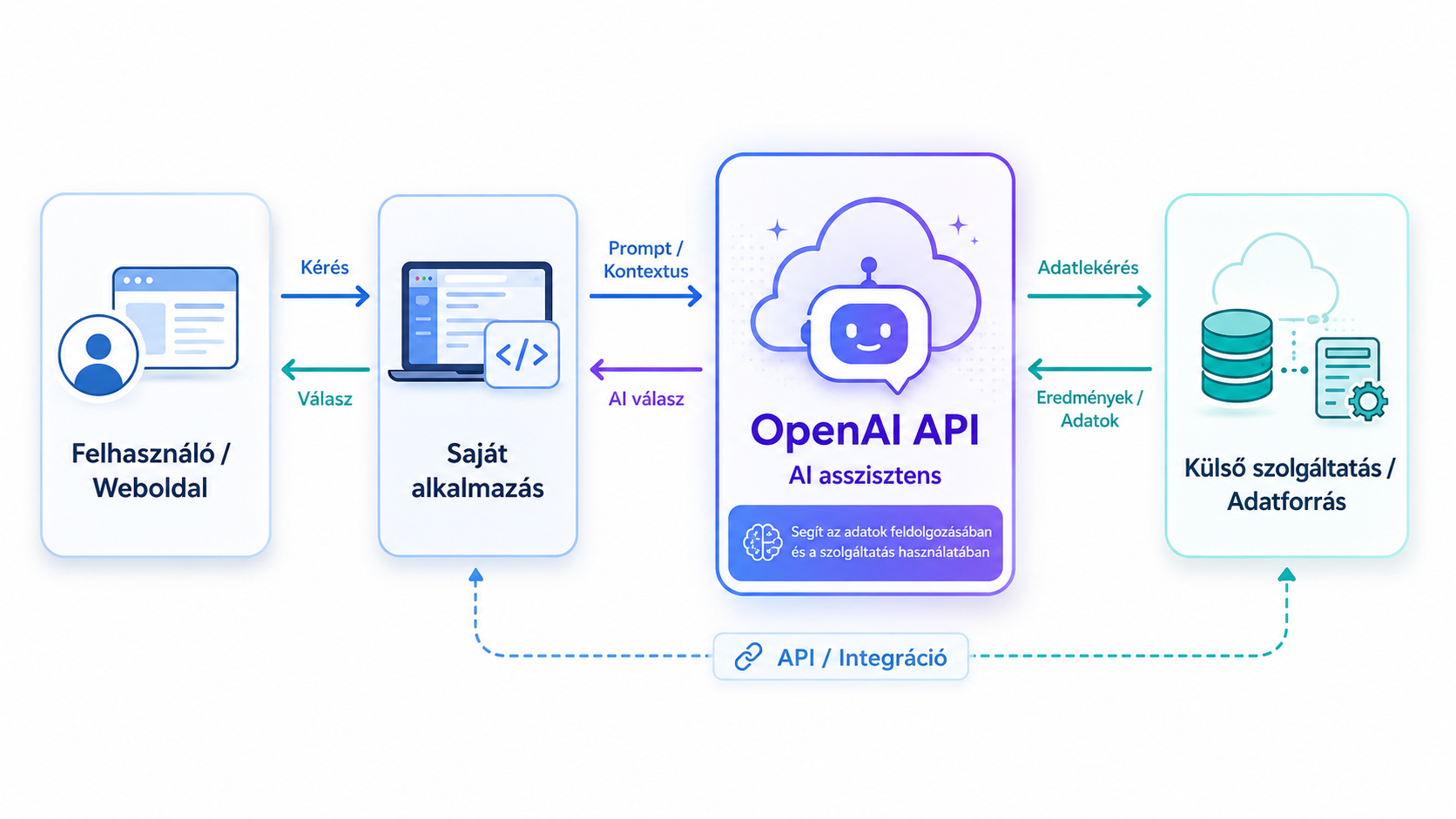
AI assistant coding / integration
Click the image to zoom in